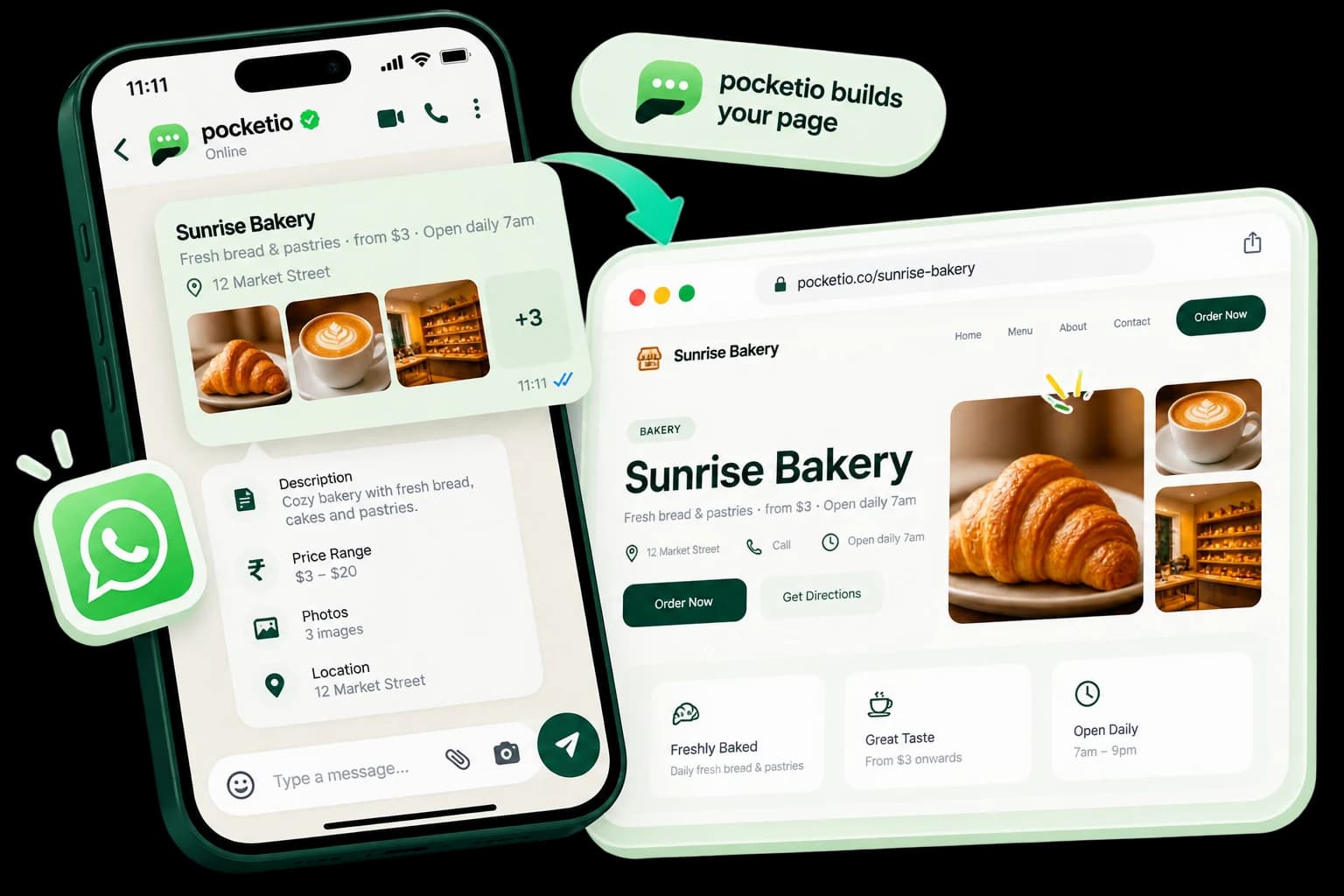
How to Turn Your Listing Into a Website
By Pocketio•Oct 1, 2026•4 min read

A four-step guide to going from a listing in your head, or your chat, to a professional website you can share in minutes.
1. Send Your Information
Send your listing name, description, photos, pricing, location, and contact details through WhatsApp. Include services, features, and anything a customer would ask about.
2. Let Pocketio Build Your Page
Pocketio understands your information and automatically creates the website structure and content, so there is nothing to arrange or design.
3. Review and Share Your Link
Your website is ready to share with customers, clients, or buyers. Use the link on WhatsApp, Instagram, Facebook, email, or a QR code.